Python实现图片指定位置加图片水印(附Pyinstaller打包exe)
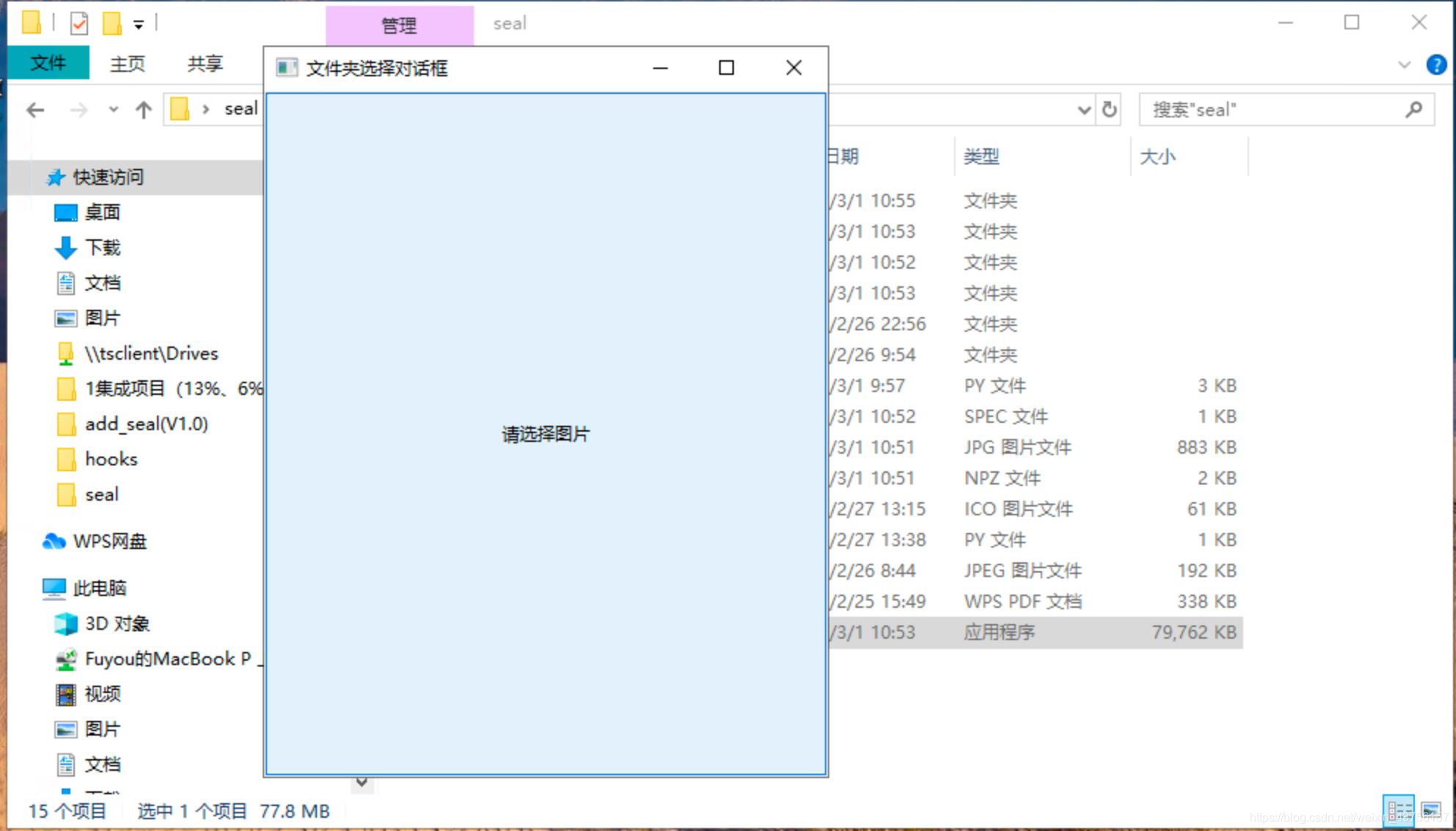
选择文件的效果:
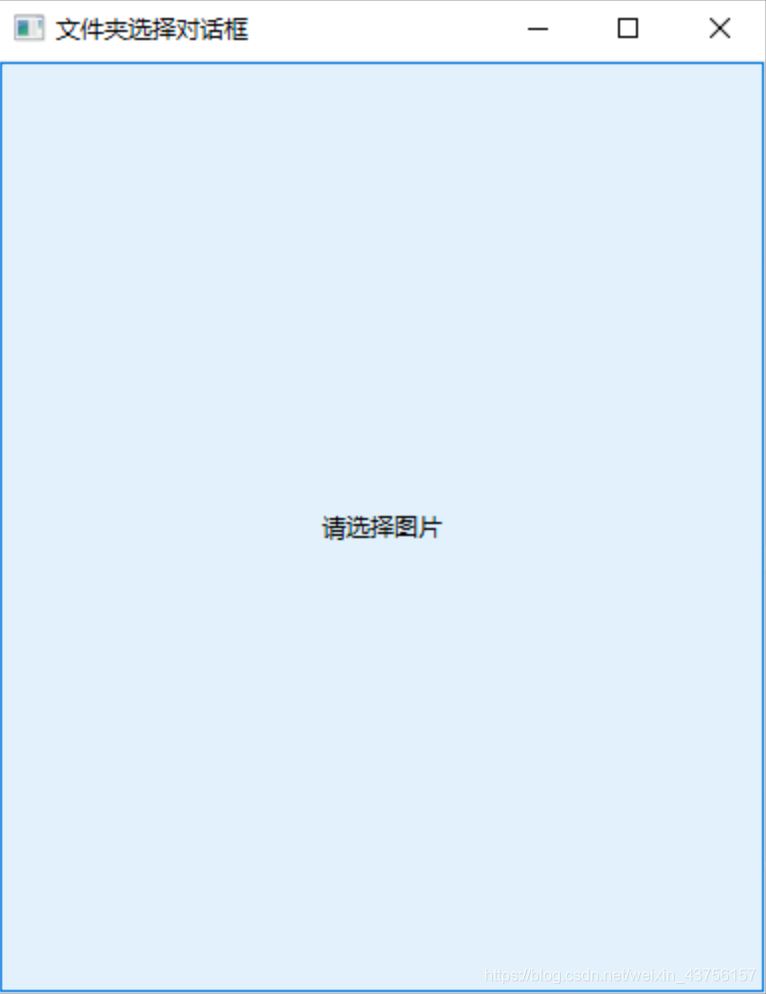
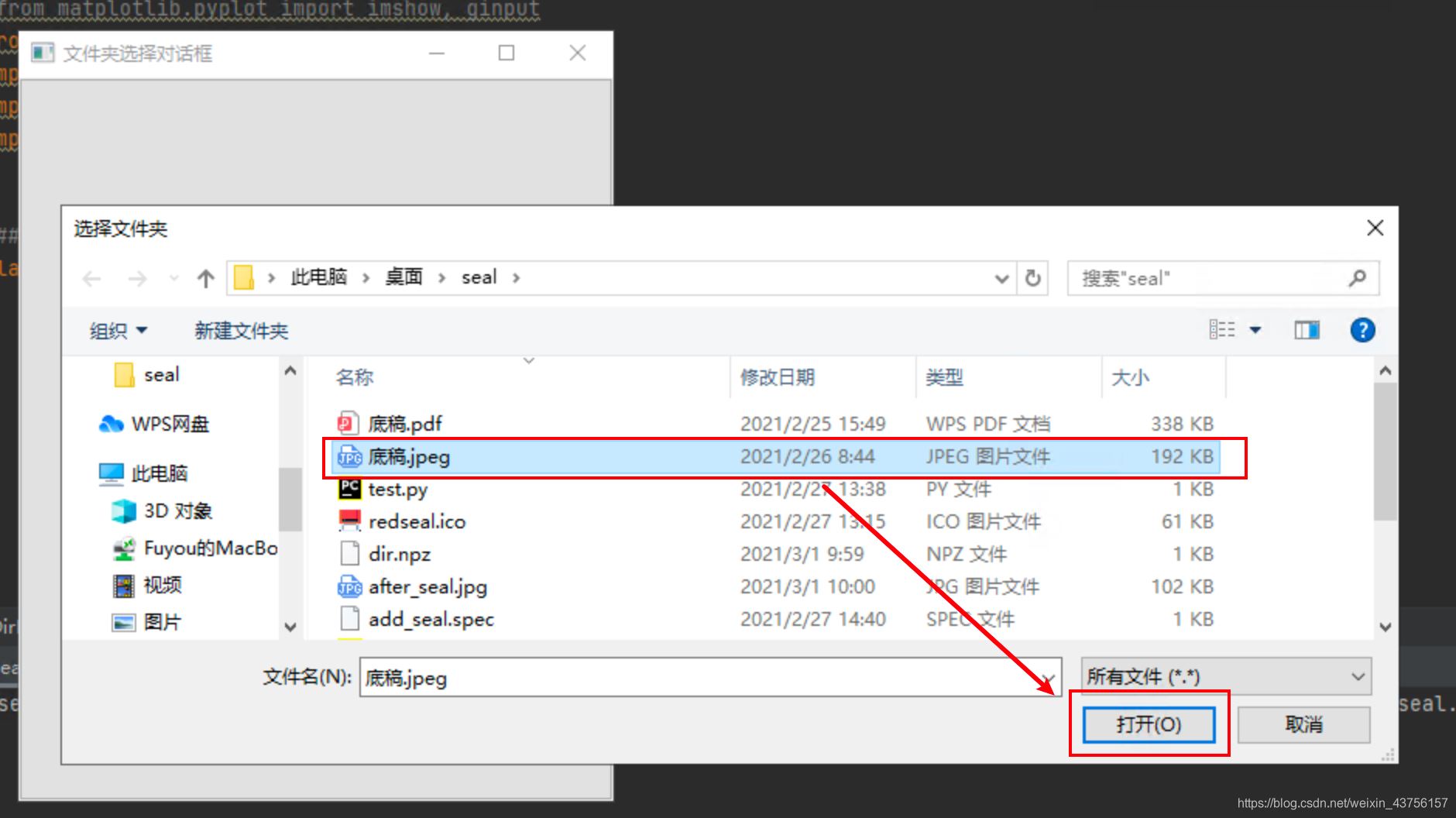
标记预加水印的位置:
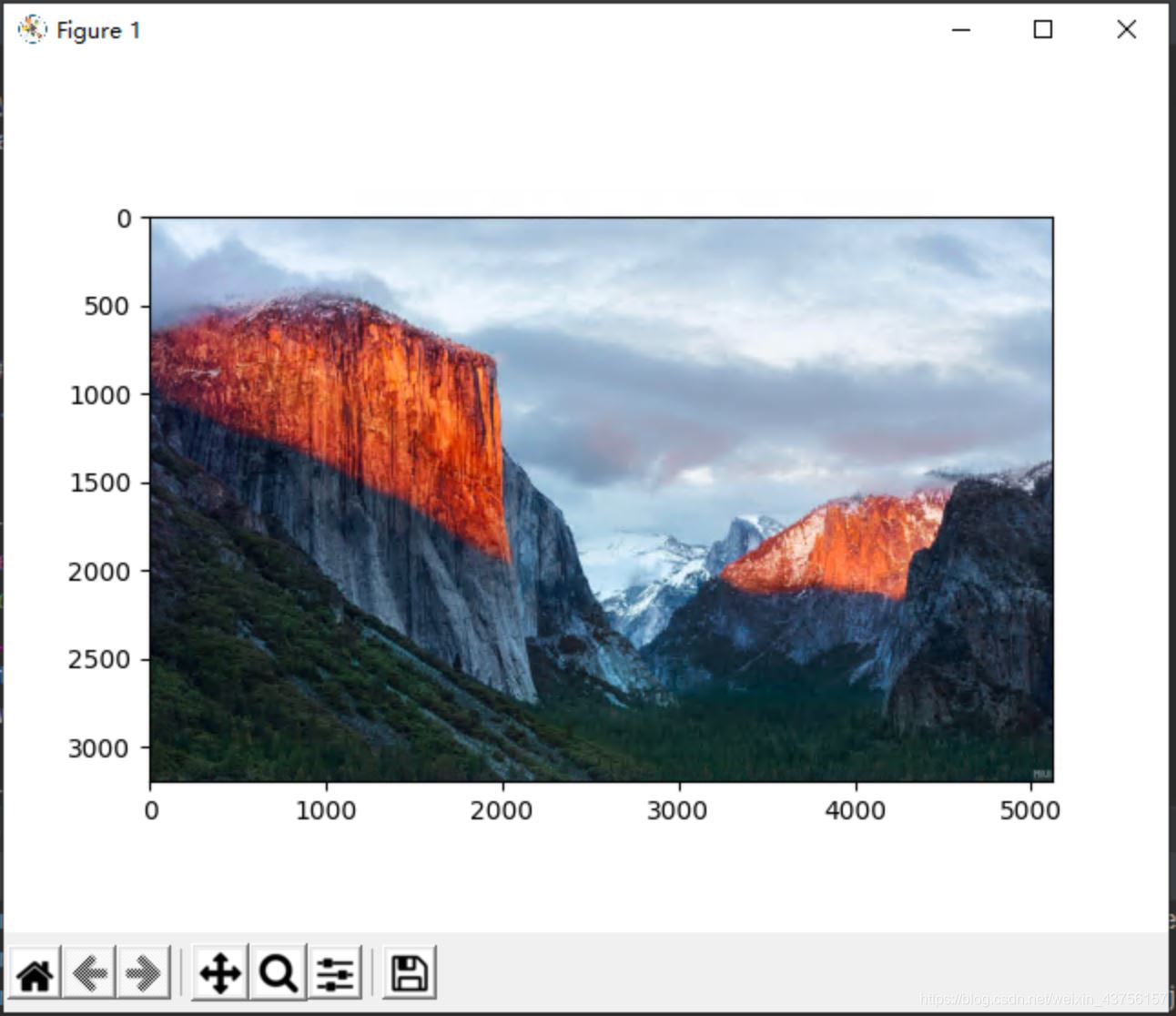
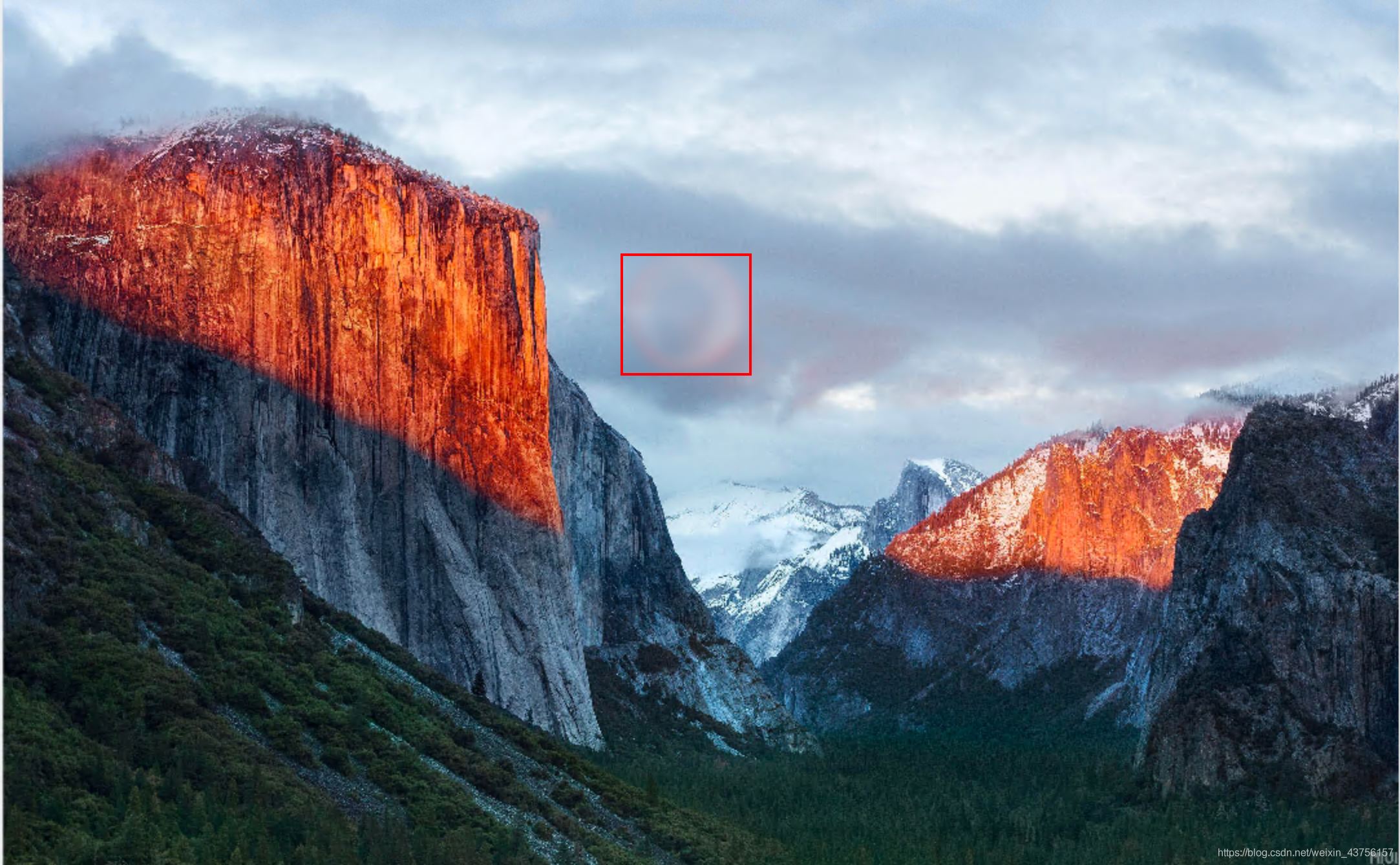
# -*l- coding:utf-8 *import os, io, sys, re, time, jsonfrom pandas import arrayimport matplotlib.backends.backend_tkaggimport matplotlibmatplotlib.use(’TkAgg’)import matplotlib.pyplot as plt#from matplotlib.pyplot import imshow, ginputfrom PIL import Image, ImageEnhance, ImageFilterimport wximport numpy as npimport randomclass DirDialog(wx.Frame): def __init__(self): '''Constructor''' wx.Frame.__init__(self, None, -1, u'文件夹选择对话框') b = wx.Button(self, -1, u'请选择图片') self.Bind(wx.EVT_BUTTON, self.OnButton, b) def OnButton(self, event):# file_wildcard = 'Paint files(*.paint)|*.paint|All files(*.*)|*.*' dlg = wx.FileDialog(self, u'选择文件夹', style=wx.DD_DEFAULT_STYLE) if dlg.ShowModal() == wx.ID_OK: jpegname = dlg.GetPath() # 文件夹路径 print(jpegname) np.savez(’dir.npz’, k_a=str(jpegname)) dlg.Destroy()def sealmark(img_seal, img_new): try: data_a = np.load(’dir.npz’)#保存地址数据 img_source = str(data_a[’k_a’]) # 原图片的地址 im1 = Image.open(img_source) plt.imshow(im1) xy = plt.ginput(1) xo = xy[0][0] yo = xy[0][1] ks = im1.size[1] * 0.000478 wm = Image.open(img_seal) wm = wm.resize((int(wm.width * ks), int(wm.height * ks))) # wm.with * k=280 * ks layer = Image.new(’RGBA’, im1.size, (0, 0, 0, 0)) layer.paste(wm, (int(xo), int(yo))) newIm = Image.composite(layer, im1, layer) newIm.save(img_new) print(img_seal) except Exception as e: print('>>>>>>>>>>> sealMark EXCEPTION: ' + str(e)) return False else: return Trueif __name__ == ’__main__’: frame = wx.App() app = DirDialog() app.Show() frame.MainLoop() sealmark('水印水印' + str(random.randrange(10)) + '.png', 'after_seal.jpg') #random.randrange(10):随机在水印库中挑选一张PNG水印图片(三)Python打包成exe程序:
在终端里输入pyinstaller -F -w add_seal.py
C:UsersAdministratorDesktopseal>pyinstaller -F -w add_seal.py
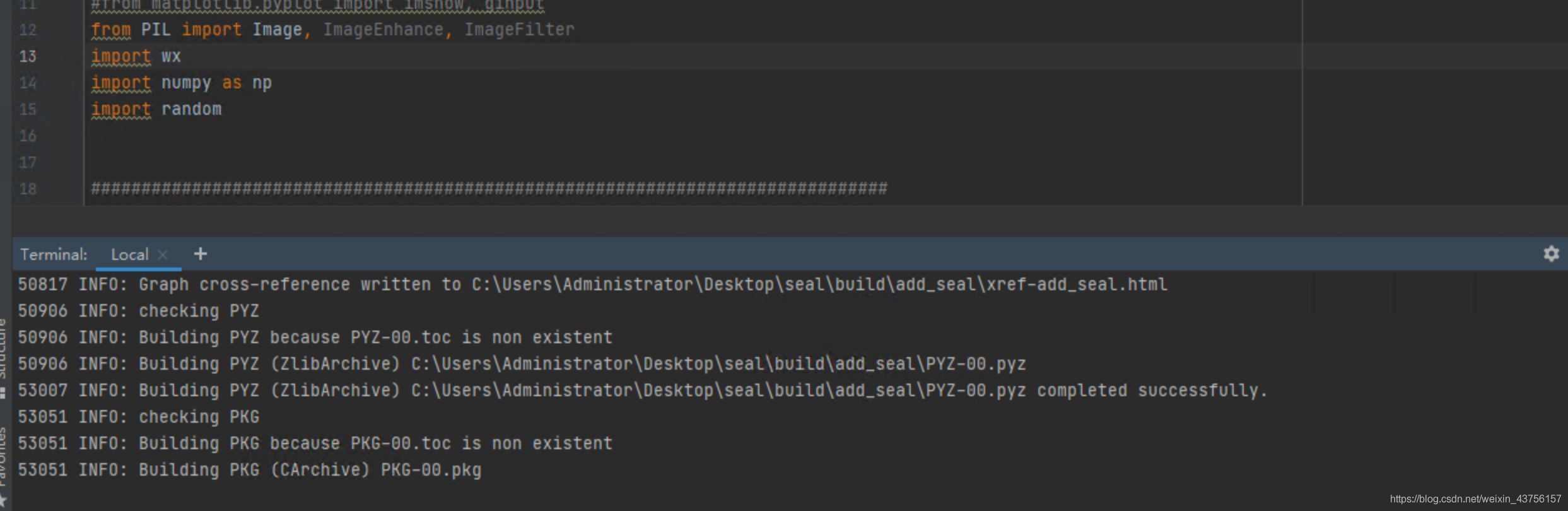
(1)出现以下的打包成功信息:

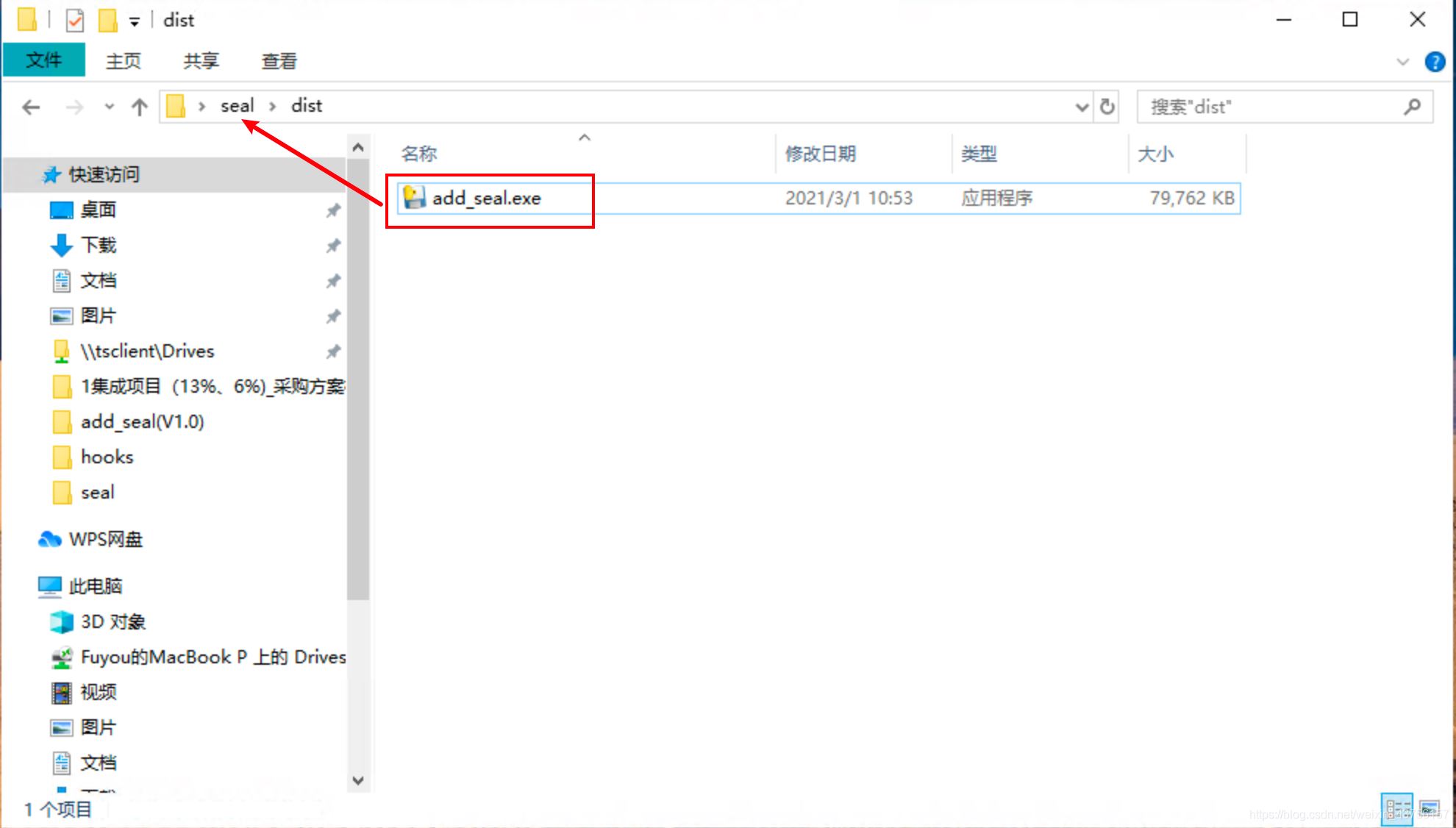
(2)dist文件夹出现exe文件:
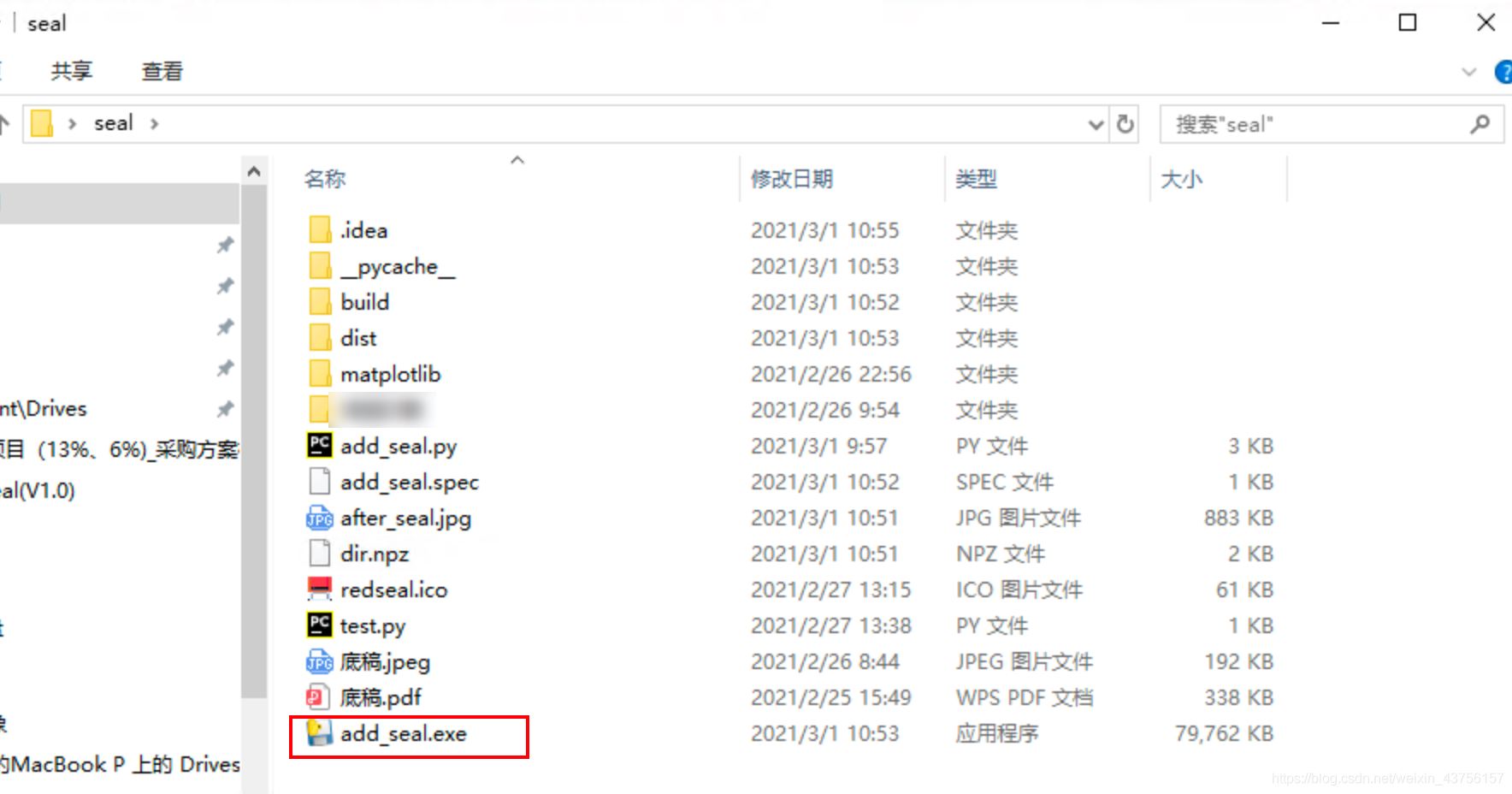
(3)把exe文件放在主工作区文件夹,并双击运行。
(4)成功!
(5)PS:给EXE文件加图标。
1、找一个ICO格式的图标文件:“redseal.ico”,放在项目文件夹内。

2、加redseal.ico,进行打包exe。
pyinstaller -F -w -i redseal.ico add_seal.py
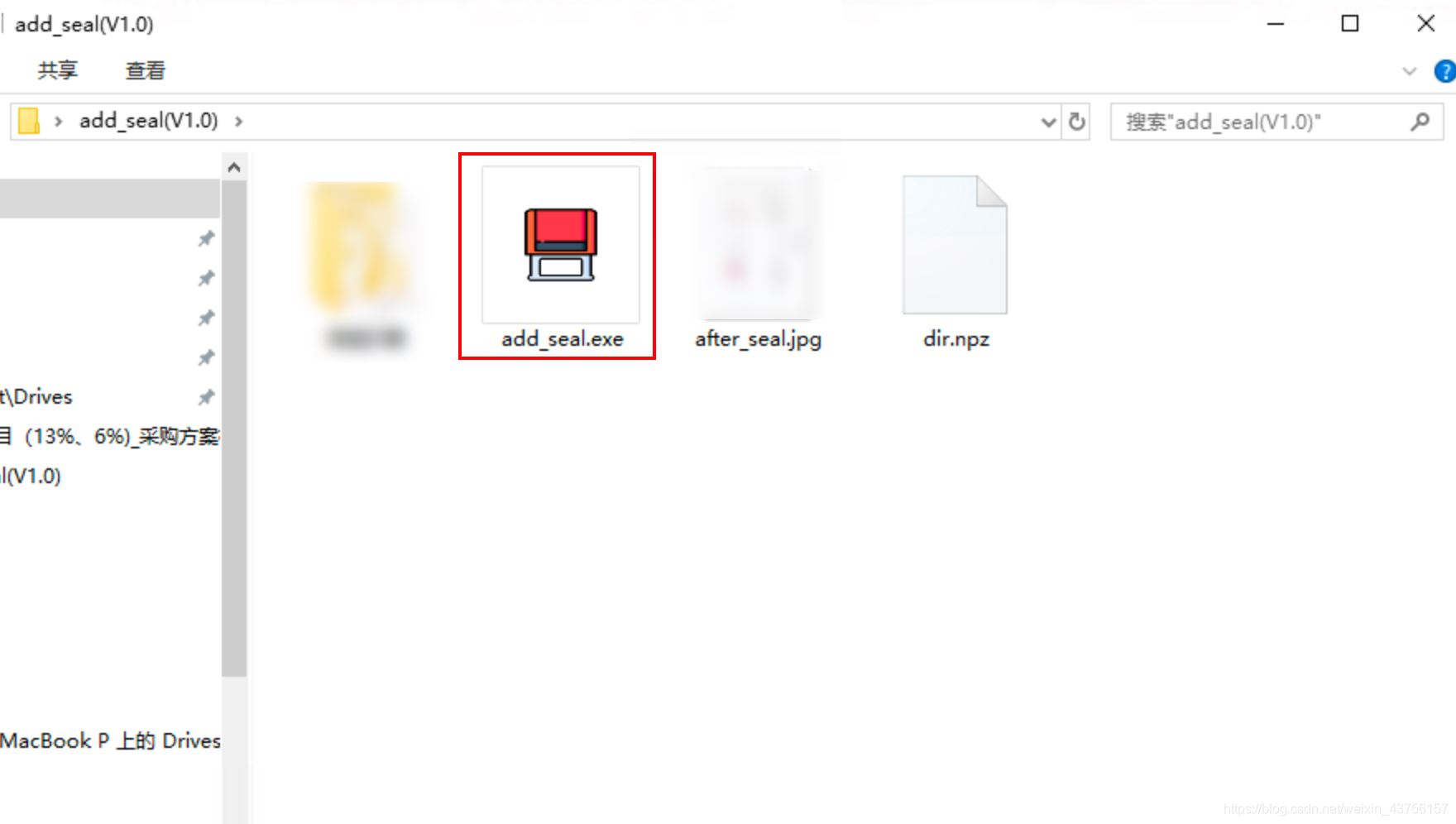
3、移动exe的位置,就会出现图标。
到此这篇关于Python实现图片指定位置加图片水印(附:Pyinstaller打包成exe格式)的文章就介绍到这了,更多相关Python实现图片指定位置加图片水印(附:Pyinstaller打包成exe格式)内容请搜索好吧啦网以前的文章或继续浏览下面的相关文章希望大家以后多多支持好吧啦网!
相关文章:
 网公网安备
网公网安备